You know the moment. It's hour eleven of a travel day, you're standing in a terminal queue with a boarding pass on your wrist, and the screen goes black. The watch isn't broken. It has simply been doing too much for too long, and nobody told it that today would be a twenty-hour day with no wall socket in sight.
Battery life on a smartwatch or fitness band is mostly a negotiation between what you ask it to do and how often you can charge it. Travel removes the safety net of a nightly charge, so it pays to make a few decisions before you leave the house. The changes below take about ten minutes, and most of them you'll want to keep on for the whole trip.
Displays are the first place battery goes, and the easiest place to get it back. An always-on display is convenient at your desk and expensive on a travel day. If your watch has the option, switching it off for the trip is usually the single biggest gain you can make without losing any real function.
Then look at brightness. Many watches ship set to auto-brightness, which is sensible, but some default to a fairly high manual level. Drop it a notch or two. Check the screen timeout as well — if the display stays lit for fifteen seconds after every wrist raise, you are paying for those extra seconds dozens of times a day.
Every radio on your wrist costs something. Bluetooth Low Energy is cheap; Wi-Fi and cellular are not, especially when signal is weak. A watch hunting for a network in a rural station or on a plane with no service will burn power faster than one that's simply quiet.
Practical steps: let the watch pair with the phone over Bluetooth and turn off Wi-Fi auto-join, or disable Wi-Fi entirely. If you have a cellular watch model and you don't need to leave the phone behind, switch the cellular radio off. On flights, use airplane mode and then re-enable Bluetooth only if you still want notifications from your phone — that combination is genuinely useful.
Notifications matter too. If your watch buzzes for every group chat, delivery update and calendar reminder, it wakes the screen and the vibration motor over and over. During travel, mute the apps you don't need and let calls and messages through. Fewer interruptions, noticeably longer battery.
Continuous sensors are the quiet drain. Blood-oxygen tracking, stress monitoring, skin temperature, auto-detection of workouts, constant heart-rate sampling during the day — each one is modest on its own and meaningful together. Ask yourself honestly which numbers you'll look at during the trip. If the answer is "none until I get home," switch them off for now.
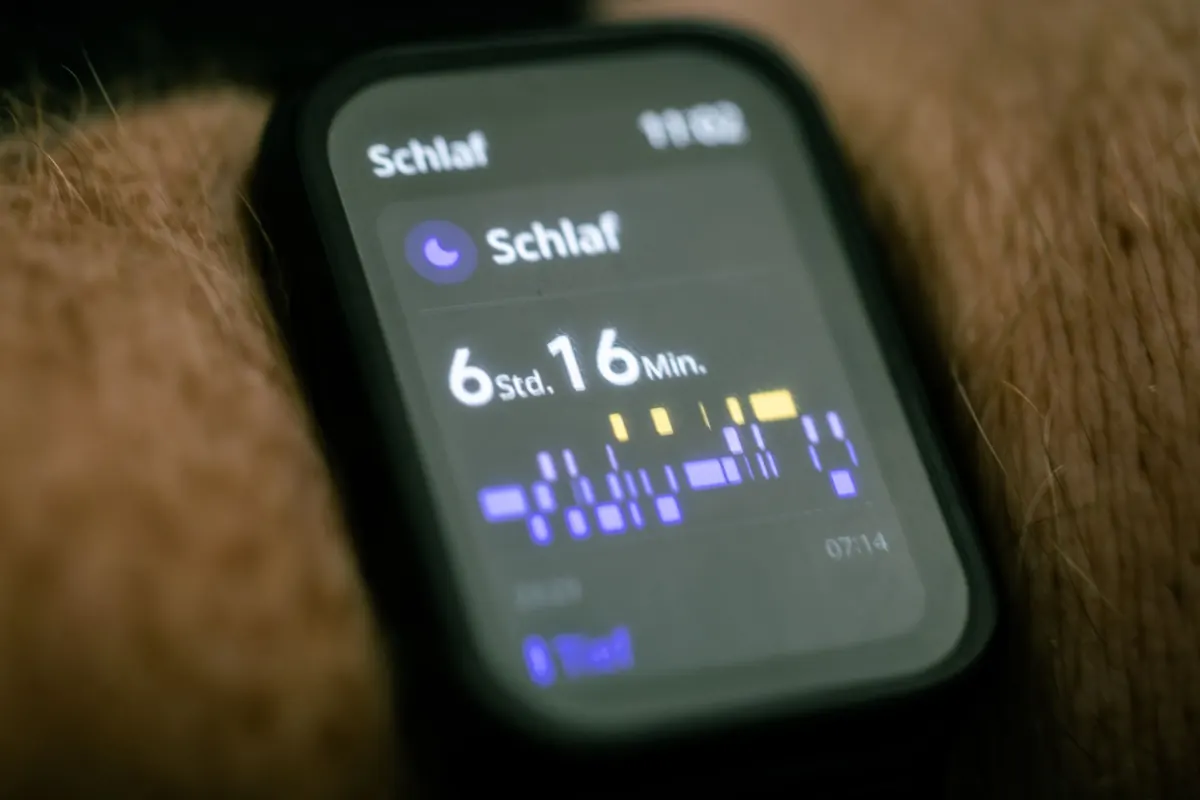
Two exceptions. Keep sleep tracking if it's part of your routine, since it runs mostly while the screen is off. And if you rely on a sensor reading for a medical reason, don't disable it without talking to your doctor first — a watch is not a substitute for medical advice, and battery savings aren't worth losing a measurement you actually need.
Satellite positioning is the hungriest feature on any wearable. A long run tracked with full GPS can flatten a watch that would otherwise last days. If you're travelling and plan to exercise, think about how you'll record it:
Most watches have some version of a battery-saver or low-power mode, and some let you build custom modes for specific situations. Rather than remembering to toggle five settings at the airport, create one preset called something like "Travel" and flip it on as you head out the door. A good travel mode turns off always-on display, limits background heart-rate sampling, silences non-essential notifications and leaves Bluetooth on for basic alerts.
Also decide how you'll handle sleep. Many watches have a scheduled sleep or do-not-disturb window, which reduces screen wake-ups overnight. If yours does, set it for the trip.
Even with every setting tuned, a long day has limits. A short charging cable and a modest power bank live permanently in a day bag, and together they'll top up a watch two or three times. A magnetic charging puck takes almost no room. If your watch charges over USB-C, one cable can serve the watch, the phone and the earbuds.
Charging opportunities are everywhere once you start looking: the seat-back socket on some flights, the outlet by the gate, the hotel desk, the twenty minutes in a taxi. Small top-ups beat one big charge, and they keep you away from the anxious 5 percent moment. One habit worth keeping: charge to comfortable, not necessarily to full, and avoid leaving a watch on a hot car dashboard or in direct sun — heat is unkind to every battery, including the one on your wrist.
Run through this before you lock the door, and you'll rarely think about battery again until you're home.
None of this requires new hardware, and most of it you can undo the moment you're back on your own sofa with a charger within reach. The point isn't to run your watch in a permanently reduced state. It's to make sure that on the days when a charger is hours away, the thing on your wrist is still awake when you need it.
Photo: Pexels / Pixabay